PINK DRAMATIC · DESIGN TOOLS
Find your favorite font combination
Give your own words a different personality. Explore lettering styles, compare expressive headings with readable details and build a combination that feels right for your design.
Start with your own words below. Both text boxes are freely editable, and your wording appears in every preview as you type. Try an example or Inspire me whenever you want an extra idea.
Copy your wording and select the fonts by name in your design editor. Pixel sizes below control screen previews; they do not specify the physical size of a print.
Explore the lettering that suits your words
Compare the full collection, then choose a style or create your own pair with separate sizes.
Clearer screen contrast · 10.89:1
This compares your chosen screen colors. Review the actual background and final lettering separately for any printed design.
Great Vibes + Open Sans
Check fine details
Use expressive lettering for a short name and a clearer companion for the details.
Use enough space for decorative strokes and choose clearer lettering for small essential details.
Great Vibes + Lato
Check fine details
Use expressive lettering for a short name and a clearer companion for the details.
Use enough space for decorative strokes and choose clearer lettering for small essential details.
Great Vibes + Montserrat
Check fine details
Use expressive lettering for a short name and a clearer companion for the details.
Use enough space for decorative strokes and choose clearer lettering for small essential details.
Great Vibes + Roboto
Check fine details
Use expressive lettering for a short name and a clearer companion for the details.
Use enough space for decorative strokes and choose clearer lettering for small essential details.
Dancing Script + Open Sans
Check fine details
Use expressive lettering for a short name and a clearer companion for the details.
Use enough space for decorative strokes and choose clearer lettering for small essential details.
Dancing Script + Lato
Check fine details
Use expressive lettering for a short name and a clearer companion for the details.
Use enough space for decorative strokes and choose clearer lettering for small essential details.
Build your own font combination
Choose your main lettering and a companion, then adjust each size separately. If an exact web preview is not available for a selected font, its name is kept in your design notes.
Great Vibes + Montserrat
Check fine details
Use enough space for decorative strokes and choose clearer lettering for small essential details.
How to use your font choices
Start with the words you actually want to use
Type the real name or message into the main text box before you compare fonts. A font that looks beautiful with a short sample may feel very different with a double name, a long surname or several lines of wording. Add the date, dedication or other supporting details in the second box so you can judge the relationship between the two parts. If your finished design will use accents or a different alphabet, include those characters from the beginning. Look at the first and last letters as well as the spaces between words, especially when decorative strokes extend beyond the main shapes.
Let your chosen style guide the comparison
Choose a style that matches the feeling you want your wording to have. Romantic styles favor flowing lettering and refined serifs, while modern styles offer more restrained shapes. Bold styles help you explore statement headings, and playful styles introduce informal character. The style note suggests a starting font and explains what to watch for. You can browse the matching combinations or apply the suggested font to your own pairing. Keep your wording the same as you move between styles so your comparison stays useful. A style label is an inspiration prompt rather than a rule about where a font must be used.
Give the main text a clear role
Decide which words should draw the eye first. On an invitation, that might be the names; on a shirt, it might be the central phrase; on a candle label, it might be a dedication. Give that text enough size and space to be recognized before someone reads the details. Your supporting wording should have a quieter role without becoming too small to read. Try making the heading larger before choosing an extra decorative font. A deliberate difference in size often creates a clearer hierarchy than several unrelated styles competing in the same small area.
Build a pair with a useful difference
An expressive heading often works well with a calmer companion. Try a flowing script with a straightforward sans serif, or a distinctive serif with a clean supporting line. Compare letter shape, visual weight and spacing, not just the font names. Two similar scripts may compete with one another when both are used prominently. Two clear fonts can also form a successful pair when the heading and details have different sizes or weights. You can use the same font for both parts if that makes the design more coherent, particularly when your wording is short or the available space is narrow.
Adjust both pixel sizes independently
In Build your own font combination, change the main and supporting sizes separately. The main text can be adjusted from 12 to 120 px, and the supporting text from 8 to 64 px. Use either the slider or the number field to compare small changes. Begin with a clear size difference, then bring the supporting text closer if the two parts feel disconnected. Read the smallest words without zooming in. These values describe a browser preview and do not convert directly into points, inches or centimeters on a physical product; set the final dimensions in your design editor.
Use spacing and alignment deliberately
The letter-spacing control lets you compare more open lettering in your own combination. A small increase can give simple capitals more room, but wide spacing can separate words too much or make a long line overflow its intended area. Joined scripts usually deserve special care because spacing can interrupt the connections between letters. Keep the control at zero when those joins matter. Centered alignment can suit short names and symmetrical compositions, while left alignment often helps readers follow several lines of detail. Review the actual line breaks rather than assuming that every preview will fit your final layout.
Choose readable lettering for essential information
Dates, times, addresses and instructions need to remain easy to distinguish. Check characters that might resemble one another, such as a lowercase l, an uppercase I and the number 1. Look at punctuation and numerals in the same font you plan to use for the details. If you have to pause to work out a character, compare a clearer companion. Reserve elaborate swashes for words that benefit from that decoration. A design can keep its personality through the heading while the practical information uses simpler lettering. Review the longest line and the smallest text before you finalize the composition.
Try ideas for invitations and greeting cards
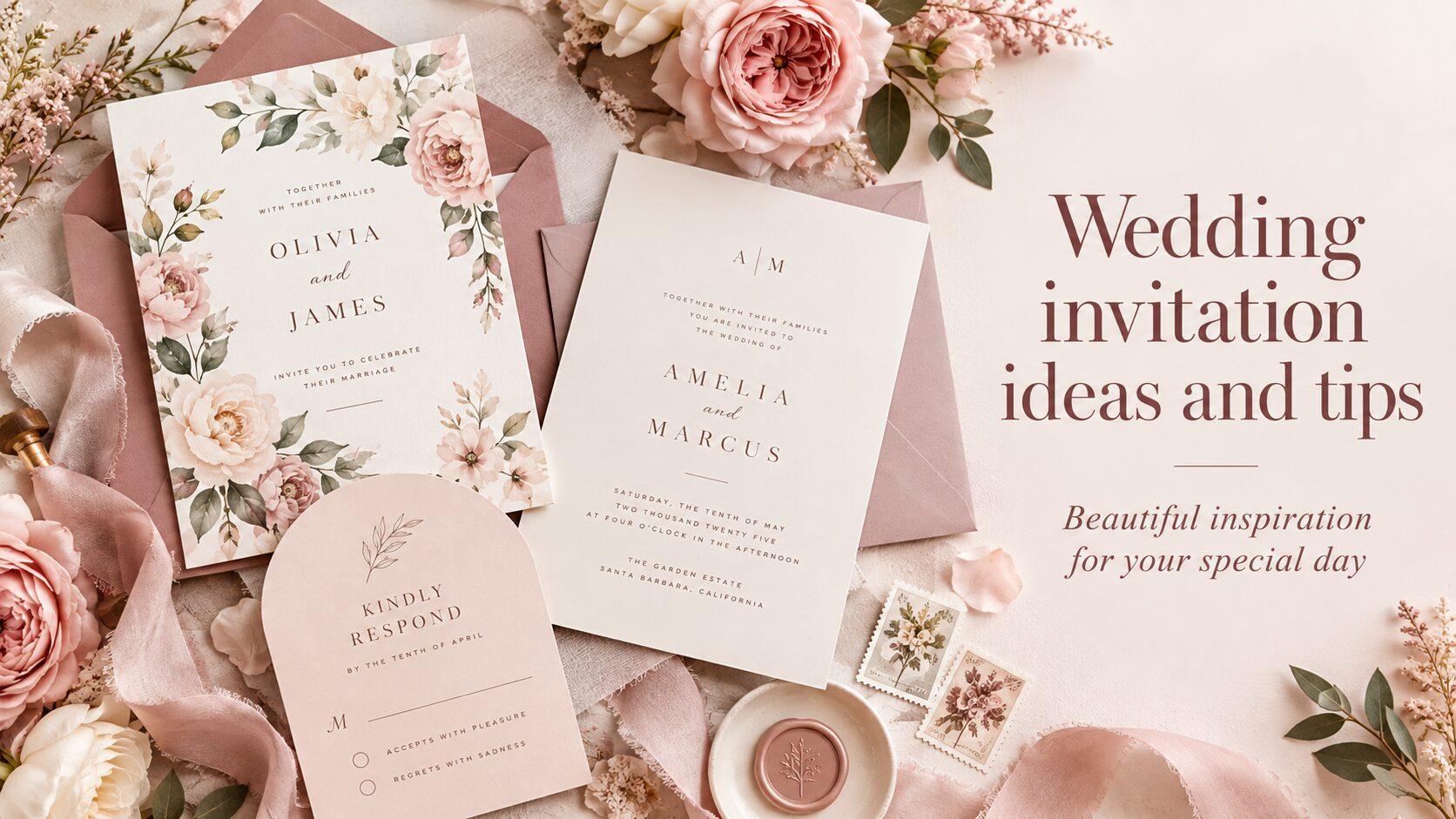
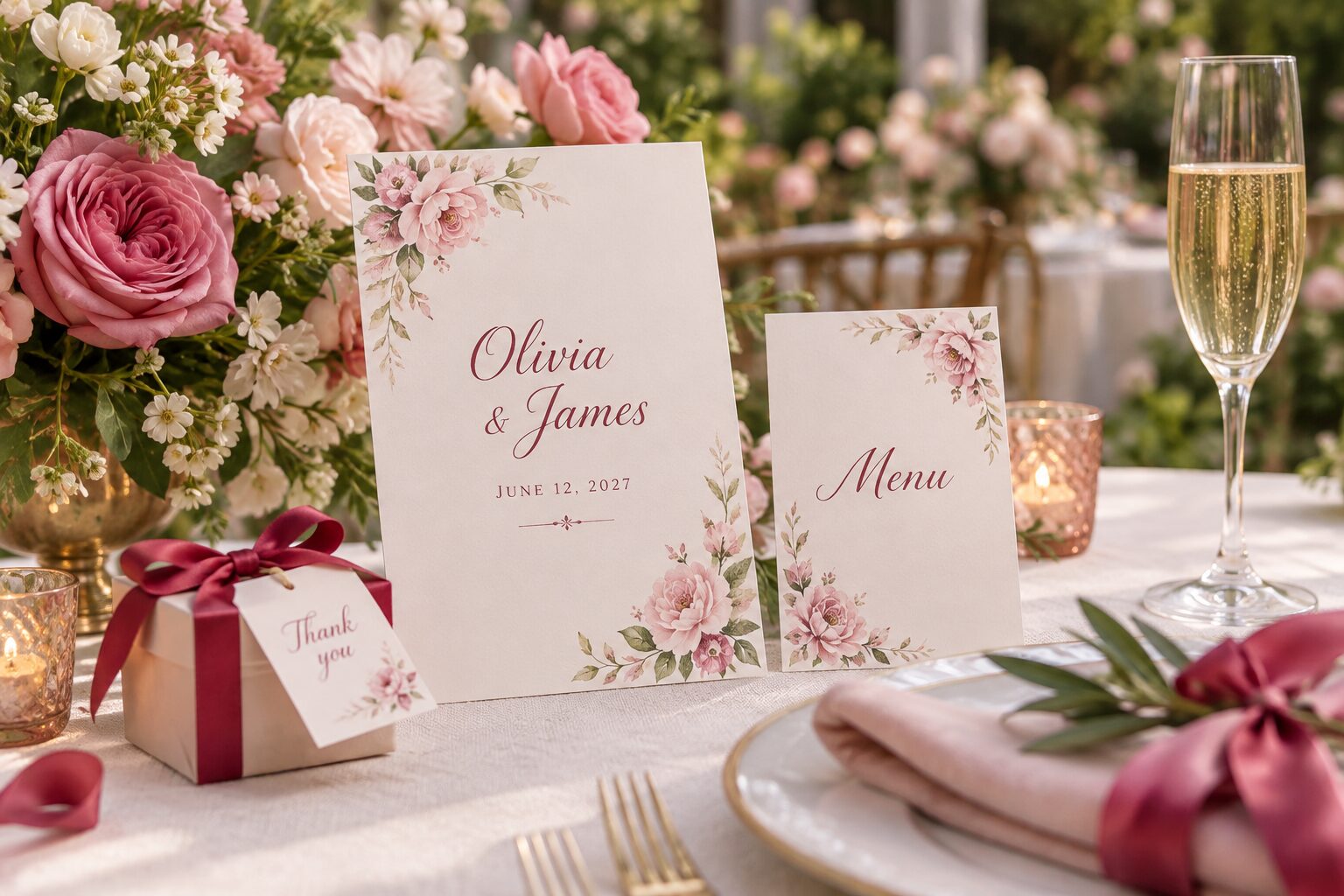
For an invitation, try a flowing name line above neatly set event details. A serif heading with simple supporting text can create a more editorial feeling, while handwritten lettering can make a greeting feel personal. Leave enough room around dates and locations so they do not merge into the decorative heading. On a folded greeting card, consider giving the cover a short message and keeping the longer dedication inside. For an announcement, compare a concise headline with a supporting line that explains the occasion. Test the wording of both parts together so the reader understands the message without relying on decoration.
Explore personalized wedding invitations for names and event details, or browse personalized greeting cards when your main message is a wish, dedication or thank you.
Explore lettering for shirts and fabric designs
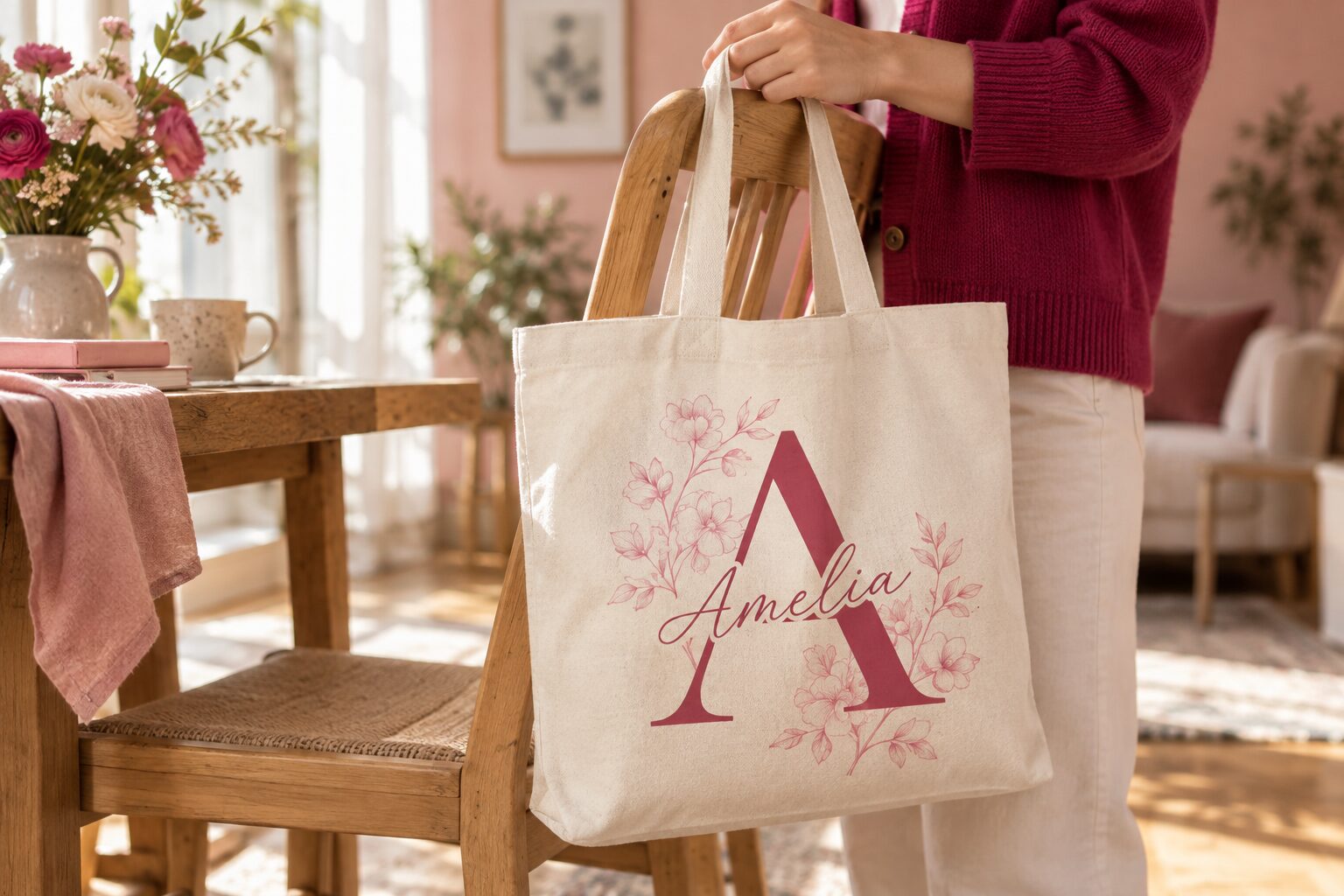
For a statement shirt, compare a bold display font with a short supporting line. A compact phrase can be more effective than shrinking a long sentence to fit. If you prefer script, review its fine strokes and let it occupy enough space to remain recognizable. Consider where line breaks fall when the design is worn, as folds and the shape of the garment affect how the text is seen. A tote bag or pillow can use a similar hierarchy, but the printable area and seams may differ. Check the actual template for your chosen item rather than treating the screen sample as a placement guide.
Browse custom clothing and apparel to explore a design for your own wording, or look at custom home decor for a personal phrase that belongs in your space.
Keep labels, candles and small gifts focused
For a candle label, try a short name or dedication above a restrained secondary line. On curved objects, think about which words will be visible together from the front. A keychain, ornament or small sticker often benefits from concise wording and an uncluttered layout. On a pen or narrow name label, start by testing one clear font with one short line instead of adding a second font immediately. These are design starting points rather than production limits. Review the available area and printing method for your particular item, then make the final lettering large enough for the information you want people to read.
Explore personalized custom accessories and custom crafts and party supplies with a short name or clear message in mind.
Check your colors against the lettering
Adjust the text and background colors while keeping the same font pair. Pale lettering on a pale background can make fine strokes difficult to see, even when the colors look attractive together. The contrast note compares the two screen colors and helps you notice combinations that deserve more attention. It does not predict the result of printing on fabric, paper or another surface. If you plan to place lettering over a photo or pattern, check it against the busiest part of that background as well as the quietest area. Essential wording should stay recognizable across the whole area behind it.
Use the Pink Dramatic color palette generator to compare color directions before testing your chosen text and background together.
Know when to simplify a combination
If the heading, supporting line and decoration all seem equally prominent, remove one source of emphasis and compare the result. You might shorten the message, choose a calmer companion or reduce extra spacing. Consider whether a second font adds a useful distinction or merely adds another shape to the design. With a small print area, simplifying the wording can preserve a readable size more effectively than reducing every line. Look at your design from a distance and at its intended viewing size. Keep the version that makes the main message easiest to understand while retaining the mood you want.
Save useful choices and copy your design notes
Save a main font from a combination when you want to compare it again later. Your saved names appear in My saved fonts and can be downloaded as a text list. Copy design notes to keep the chosen font names, wording and colors together; notes from your own combination also include its separate pixel sizes, alignment and spacing. Copy my text copies the wording itself. Copying text does not transfer a font file or preserve the formatting in every editor. To recreate your choice, add separate text boxes in your design editor and select each font by its name, then adjust the final layout there.
Keep your saved font names nearby while you explore custom invitations and stationery or custom office and school products.
Understand the preview labels and finish your design
Selected font families have a web preview. A short warning appears only when a font preview is unavailable. If a preview cannot load, the sample is identified as neutral text. Other font names remain available as choices for your design notes without a simulated font sample. Different font versions or unsupported characters can change the appearance in your editor, so review your actual wording there before you finish. Check line breaks, margins, letter shapes and the smallest supporting text on the final design. For a physical item, also review its product template and printing method; the screen examples help you explore choices but do not certify production quality.
Pairing ideas and readability tips are editorial suggestions from Pink Dramatic. Saved font names stay in this browser when storage is available.
The initial examples and style choices are visible below. Enable JavaScript to update previews, generate inspiration and copy your choices.